Custom CarPlay dashboard widget
Custom CarPlay widget with your own photos.
Install CARFACE, pick a widget from 3000+ layouts or add your own photo, and it shows on the CarPlay dashboard where the map tile normally sits. iOS has no built-in setting for this.

Free to download
no account needed
RequiresiPhone on iOS 26 or later
Needs CarPlayBuilt into the car, or an aftermarket head unit — 800+ models.
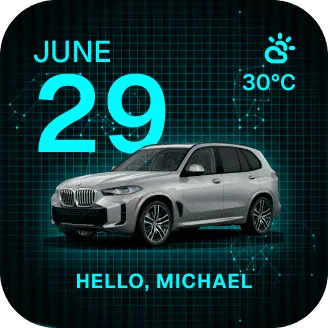
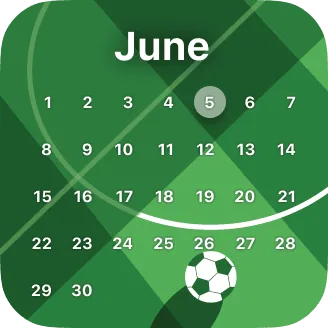
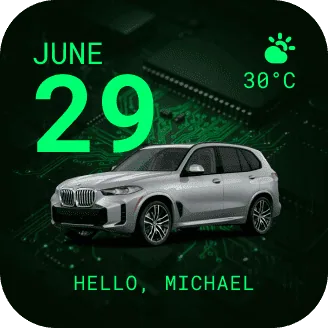
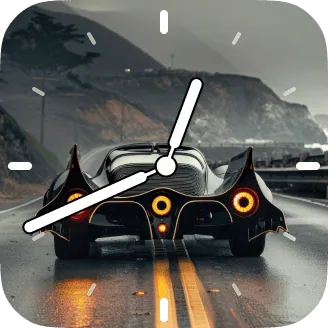
before / after
The same spot, every drive.
One side is the screen your car gives you. The other is the same screen after you pick one layout — nothing else changes.
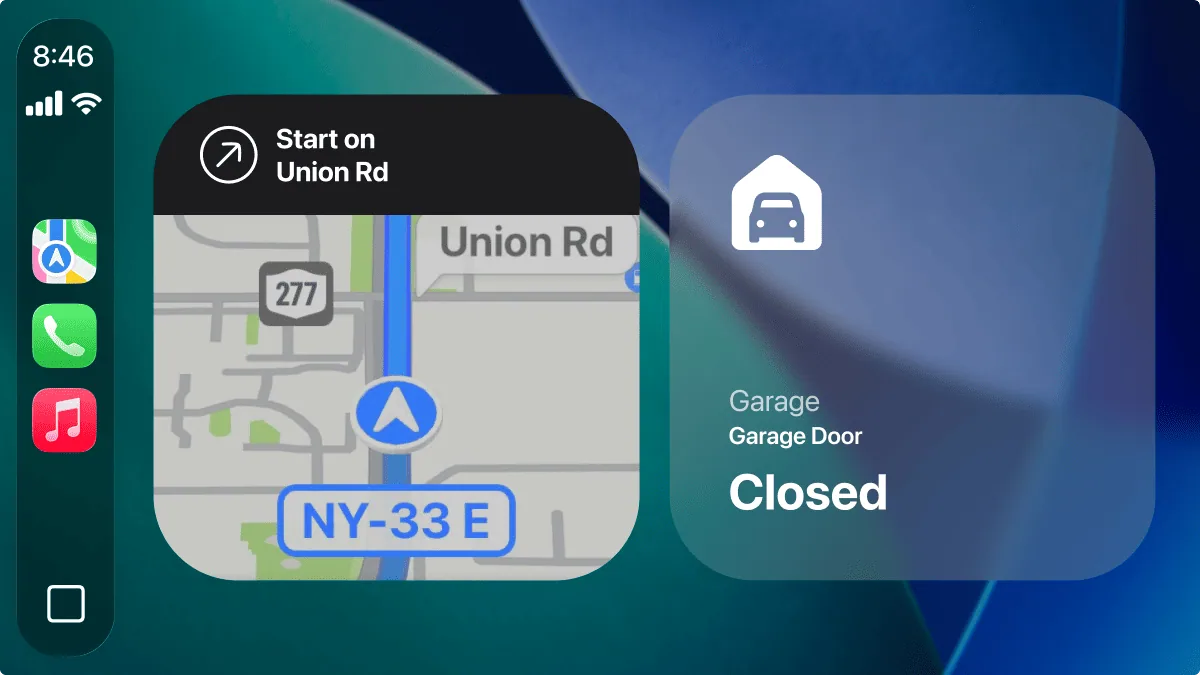 DEFAULT CARPLAY
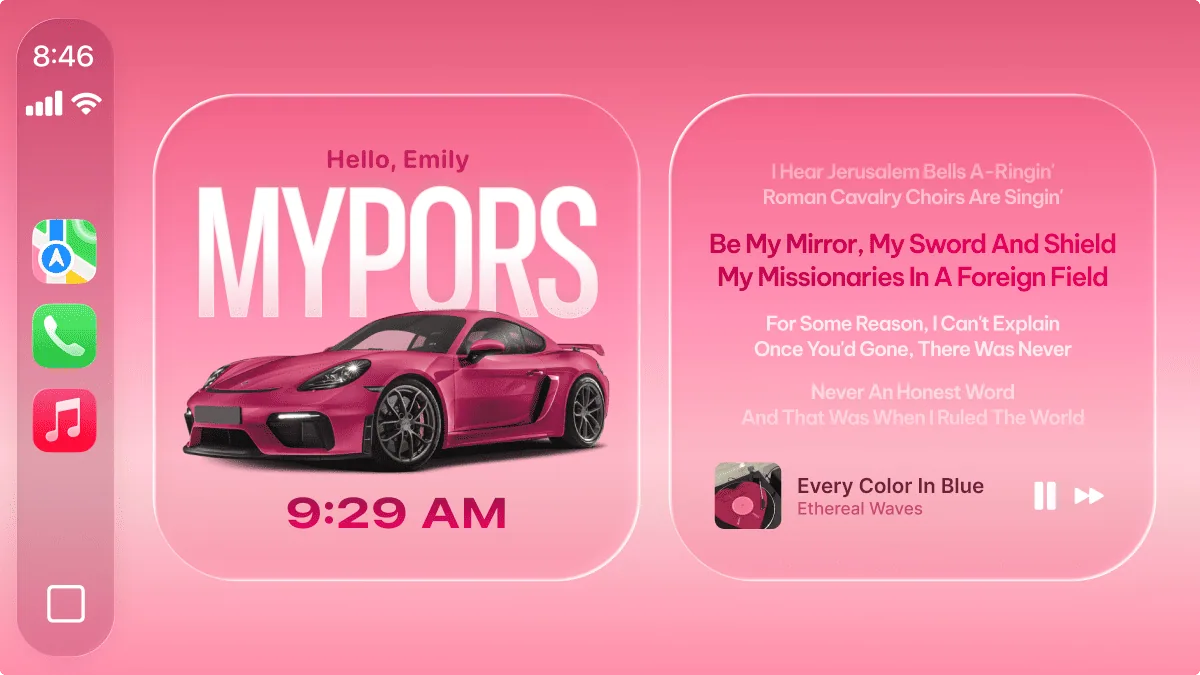 WITH CARFACE
one widget, every screen
One widget. Every CarPlay screen.
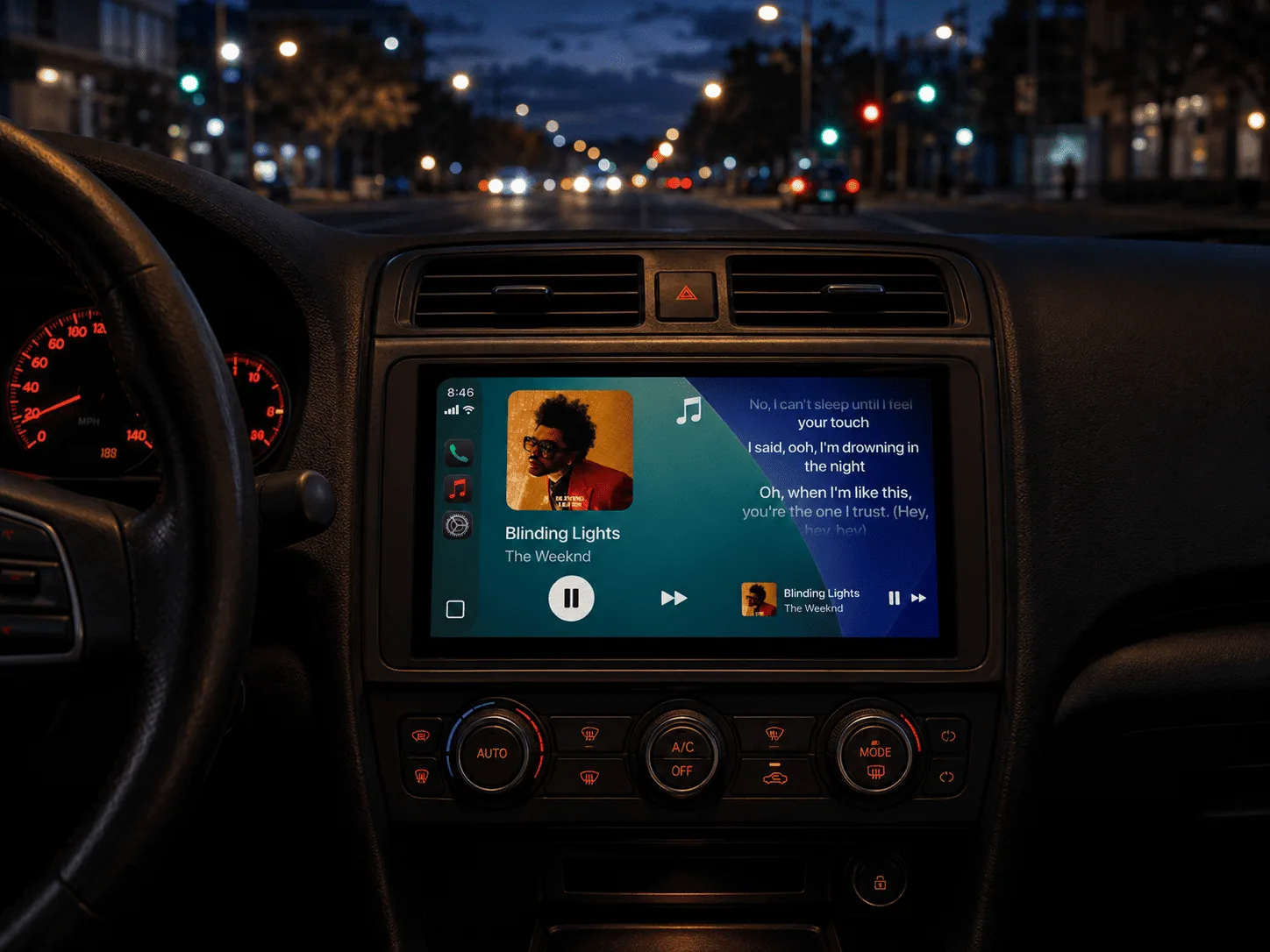
Every car screen has its own proportion. The same widget fits all three — no stretched photo, no black bars, nothing to crop by hand.
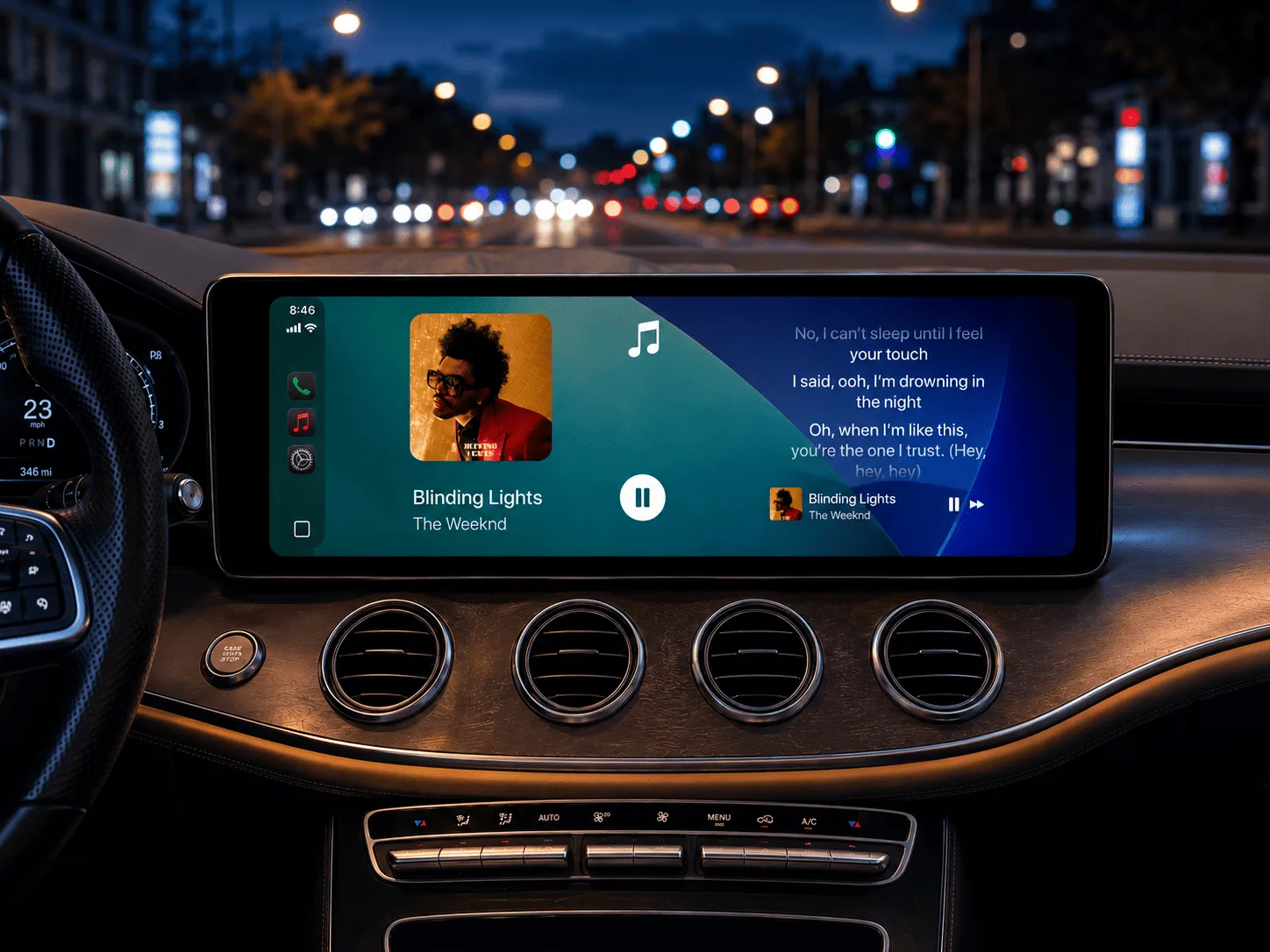
wide 16:9 — Mercedes, Audi
square-ish — aftermarket units
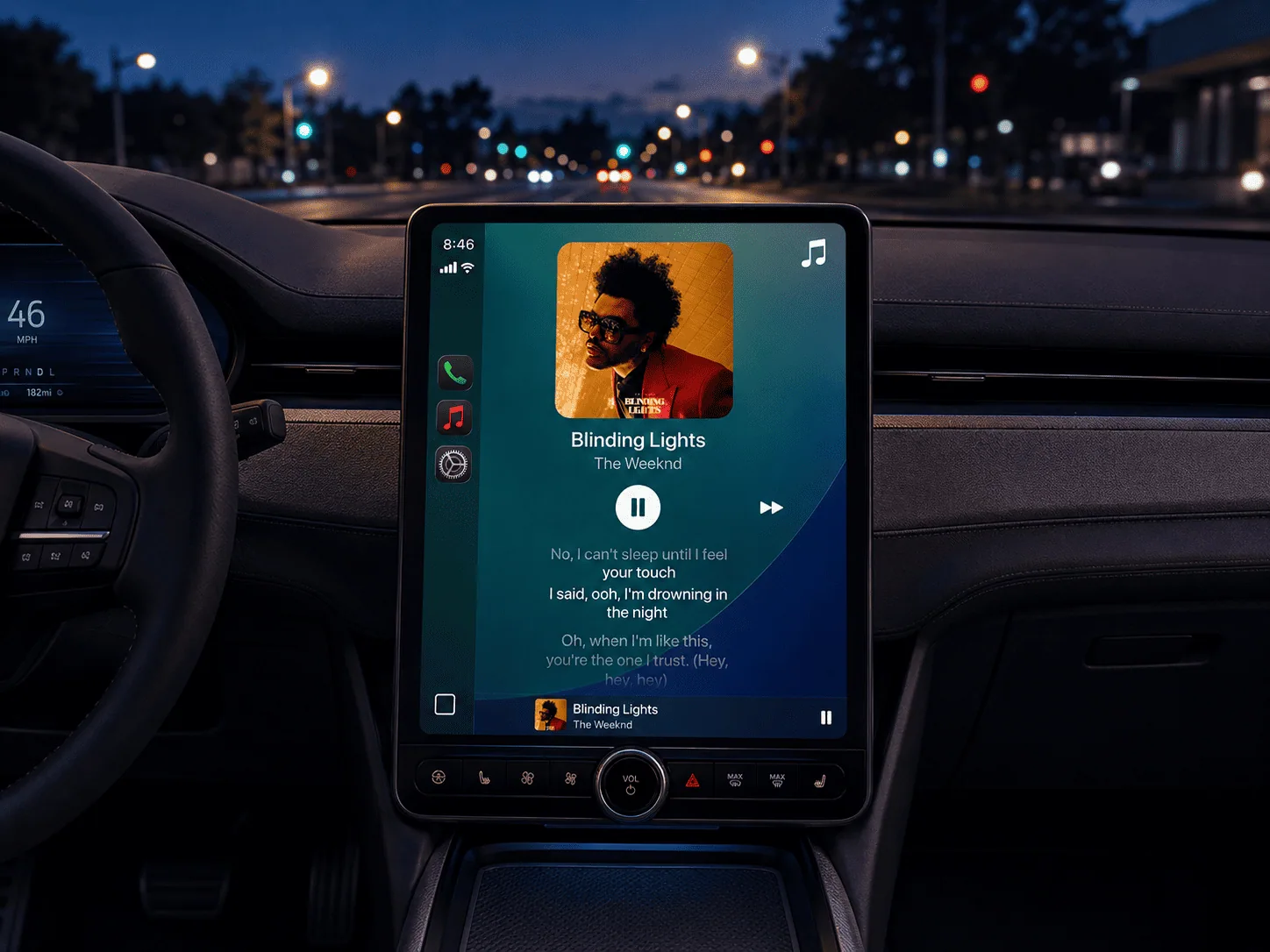
portrait screen — Ford, Volvo
Same layout, three different screens — nothing cropped, no black bars, nothing to line up by hand.
what goes in it
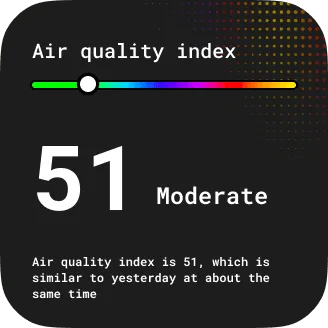
3000+ layouts, or a picture of your own.
Dozens of categories, growing every week, all sized for the CarPlay slot already. New layouts land following what people are actually listening to and driving past.
3000+
layouts, dozens of categories, new ones weekly

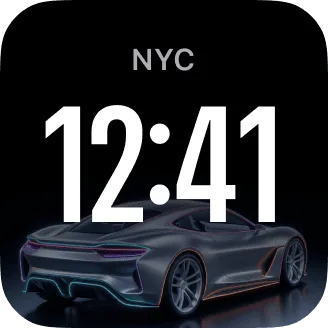





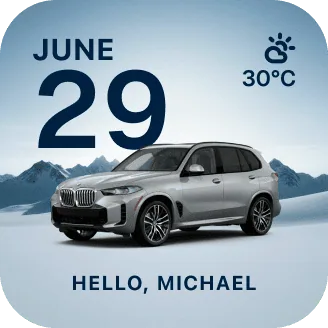


Or start from your own photo
Skip the layouts entirely. Same slot, same sizing — your picture, with a countdown or a line of your own on top.
Free to download · no account neededcustomize studio
Every part of a layout is editable.
All 3000+ layouts work as they are, and every one of them comes apart in Customize Studio. Change one thing or all of them.
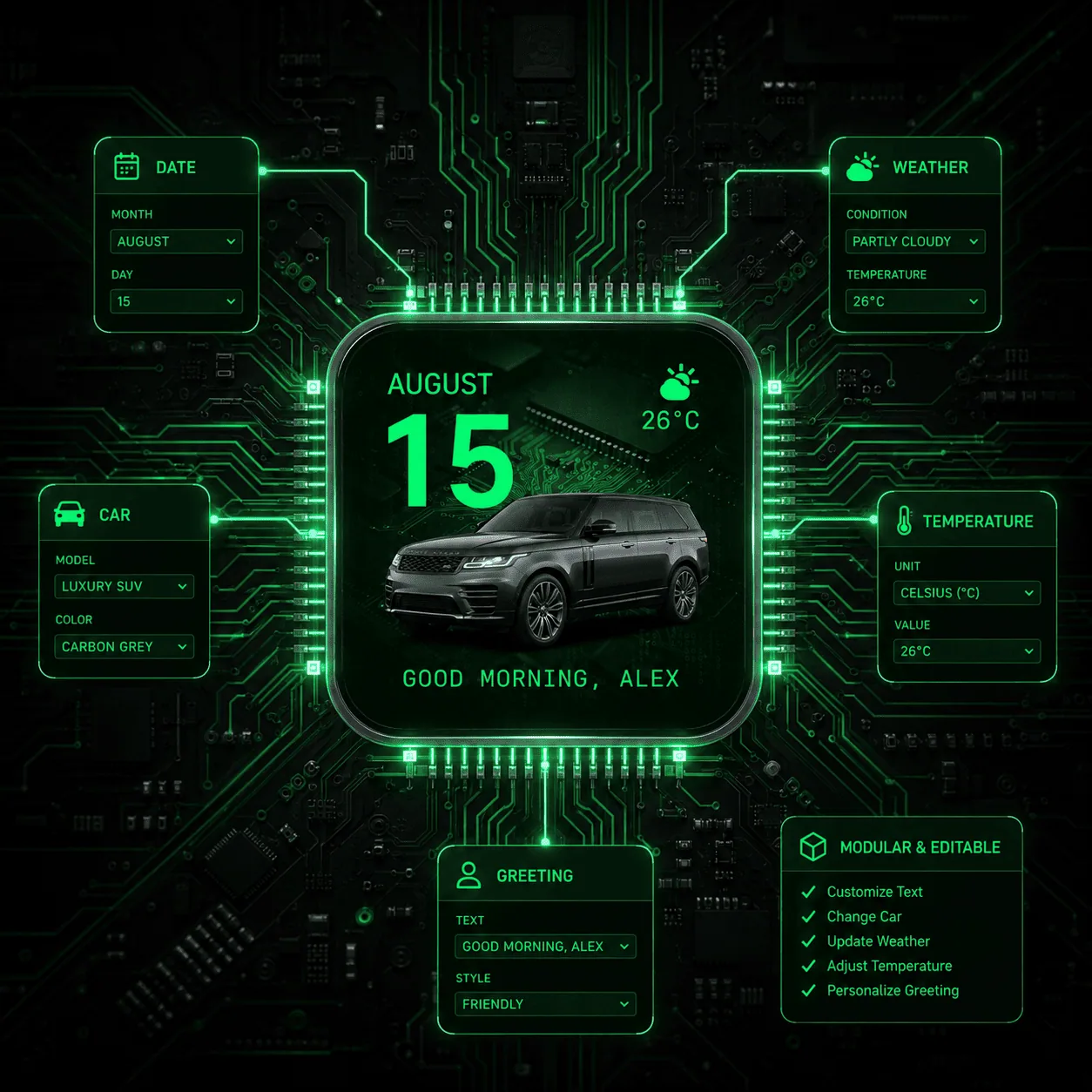 The studio is in the app — free
objections
Before you download
Will it look like mine, or like a stock layout?
Dozens of categories plus Custom Photos, and every layout opens in the studio — photo, words, font, colour. Two people starting from the same layout rarely end up with the same screen.
Will it work with my car?
800+ car models, on an iPhone running iOS 26 or later, through a built-in or aftermarket head unit with Apple CarPlay. Widgets need CarPlay — no CarPlay means no widget on a car screen.
Is changing the driving screen safe?
CARFACE uses Apple's own CarPlay widget system and the slot Apple gives it. Nothing is drawn over your map or your controls, and you turn it on yourself in Settings.
Do I have to design it myself?
No. Layouts come ready to use — pick one and you're done. Your own photo is one tap, and the studio is there only if you want it.
what drivers say
4.04
★★★★☆
from 242 ratings on the App Store
★★★★★ · quick setup
"set up my bmw widget in like 2 mins no joke…"
TommyShelby15
★★★★☆ · units
"Works great on my Genesis. Only thing is it shows Celsius and I want Fahrenheit."
Wick231
Widget questions
As many as Apple’s CarPlay layout gives you — typically one widget slot beside the map, two on wider screens.
Yes. Pick something else in the app and the car screen follows on the next refresh.
They stay in your phone’s library. CARFACE reads the photo you pick and keeps it on the device.
Yes, the library grows — seasonal sets arrive before each season, and new categories through the year.
Pick one tonight. It's the screen you'll see tomorrow morning.
Free to download
CarPlay car — or lyrics in StandBy without one
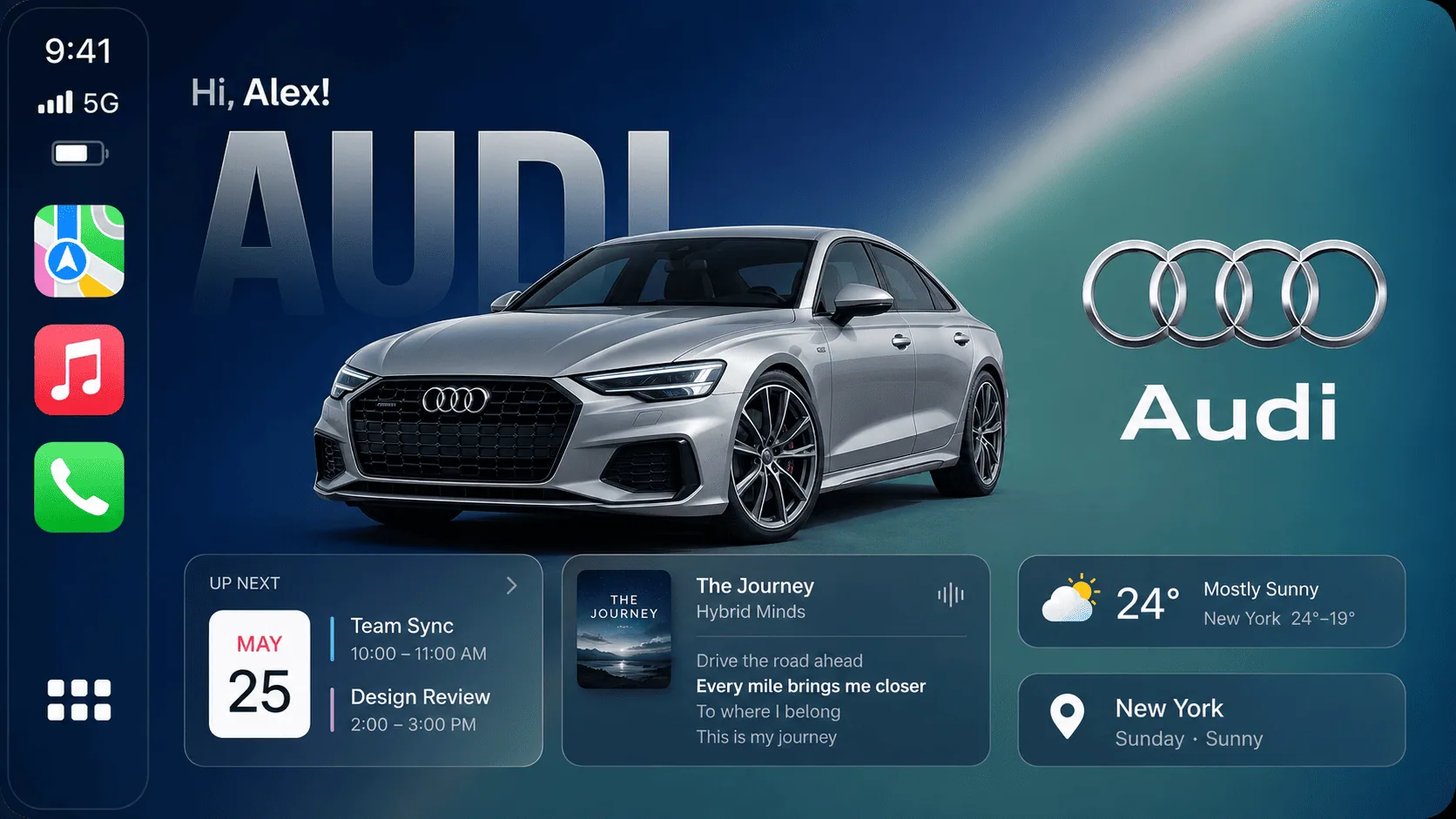
 CARFACE
Widgets, connection sounds and real-time lyrics for the CarPlay screen you already look at every day.
Browse