Real-time lyrics on CarPlay & StandBy
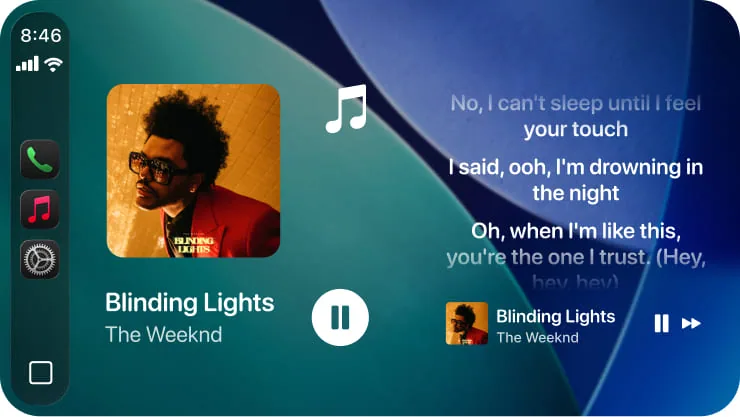
Real-time synced lyrics on your CarPlay screen.
Install CARFACE, start a song, and the line you're singing shows on the CarPlay screen in time with the music — one line at a time, not a wall of text. No CarPlay? It runs in StandBy and on the Lock Screen too.

Free to download
no account needed
RequiresiPhone on iOS 26 or later
No CarPlay?Lyrics still run in StandBy — iPhone on a mount, landscape, charging.
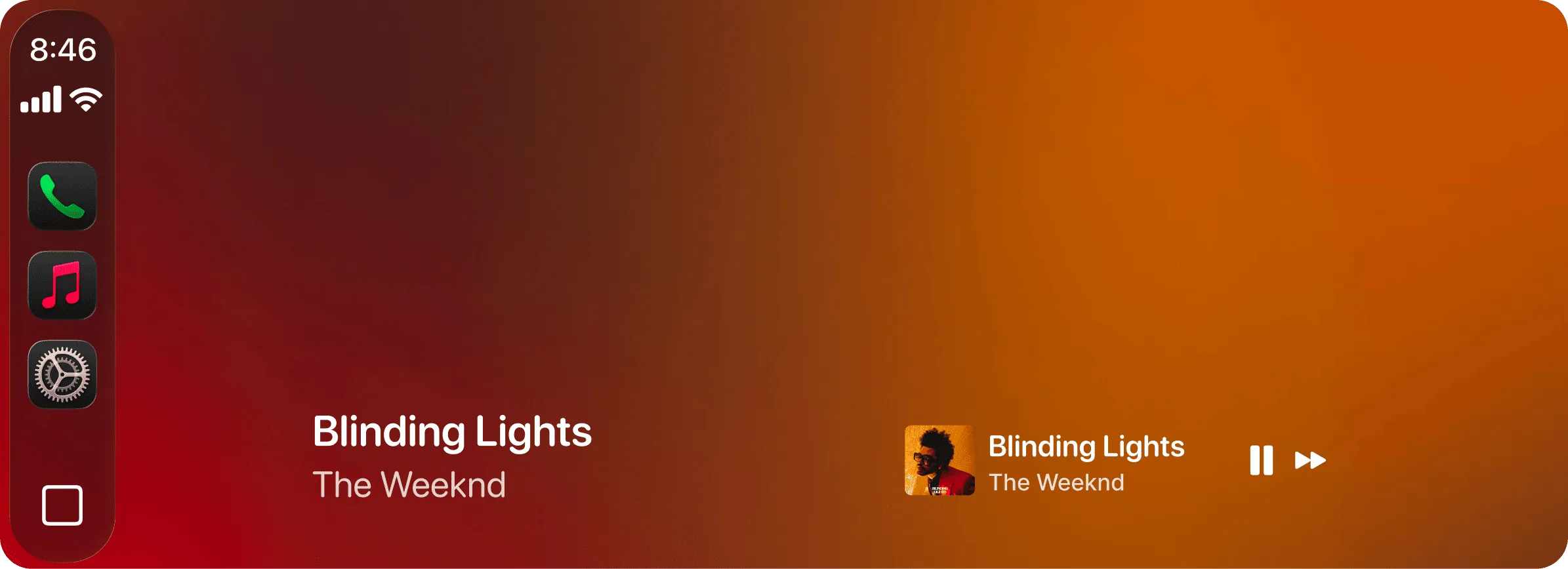


The line that just went by
The line you’re singing right now
Comes up a beat before you need it
one line at a time, in time with the song
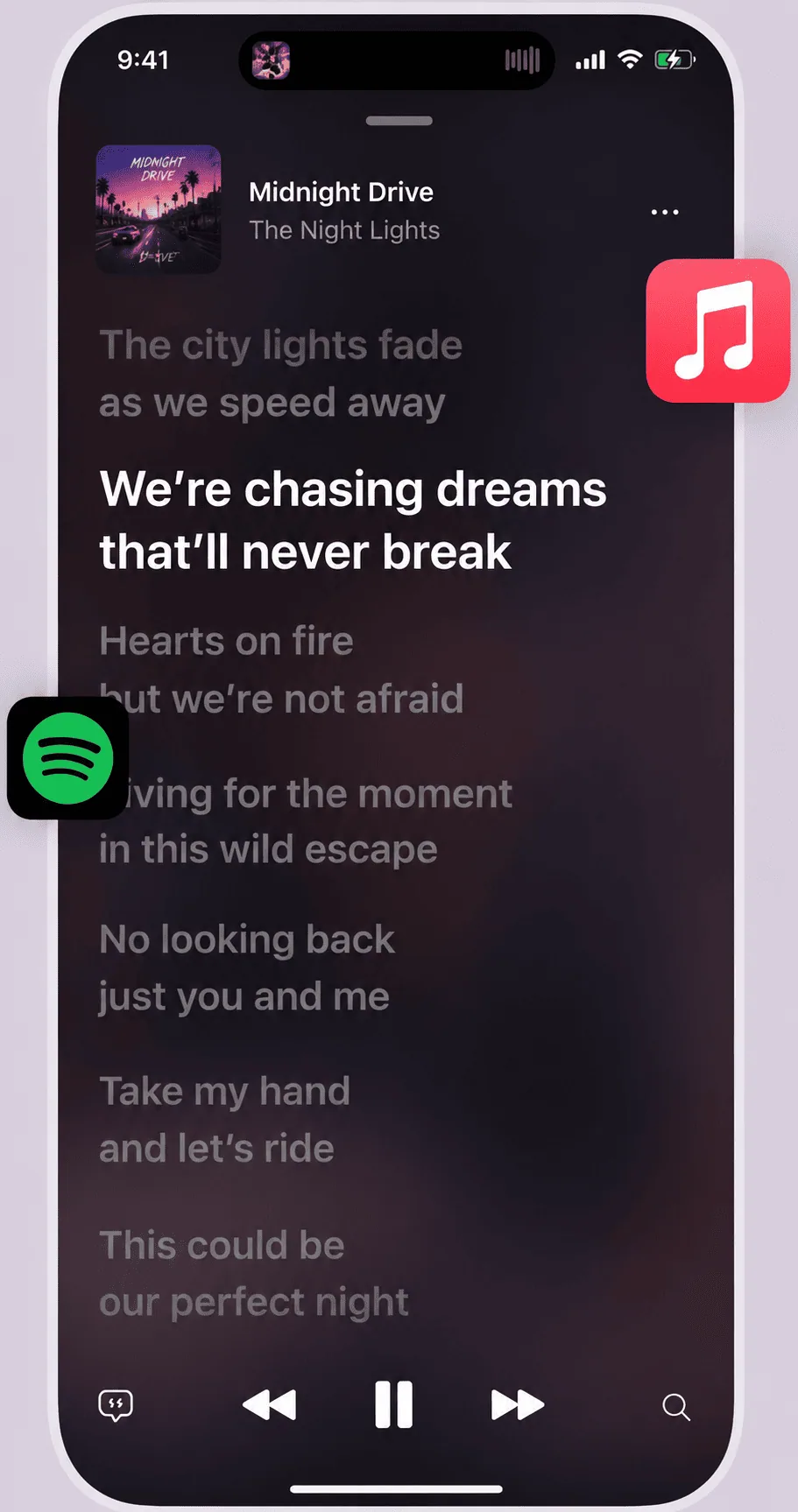
Dynamic
Lyrics App
Time-coded lines in the app · Apple Music + Spotify
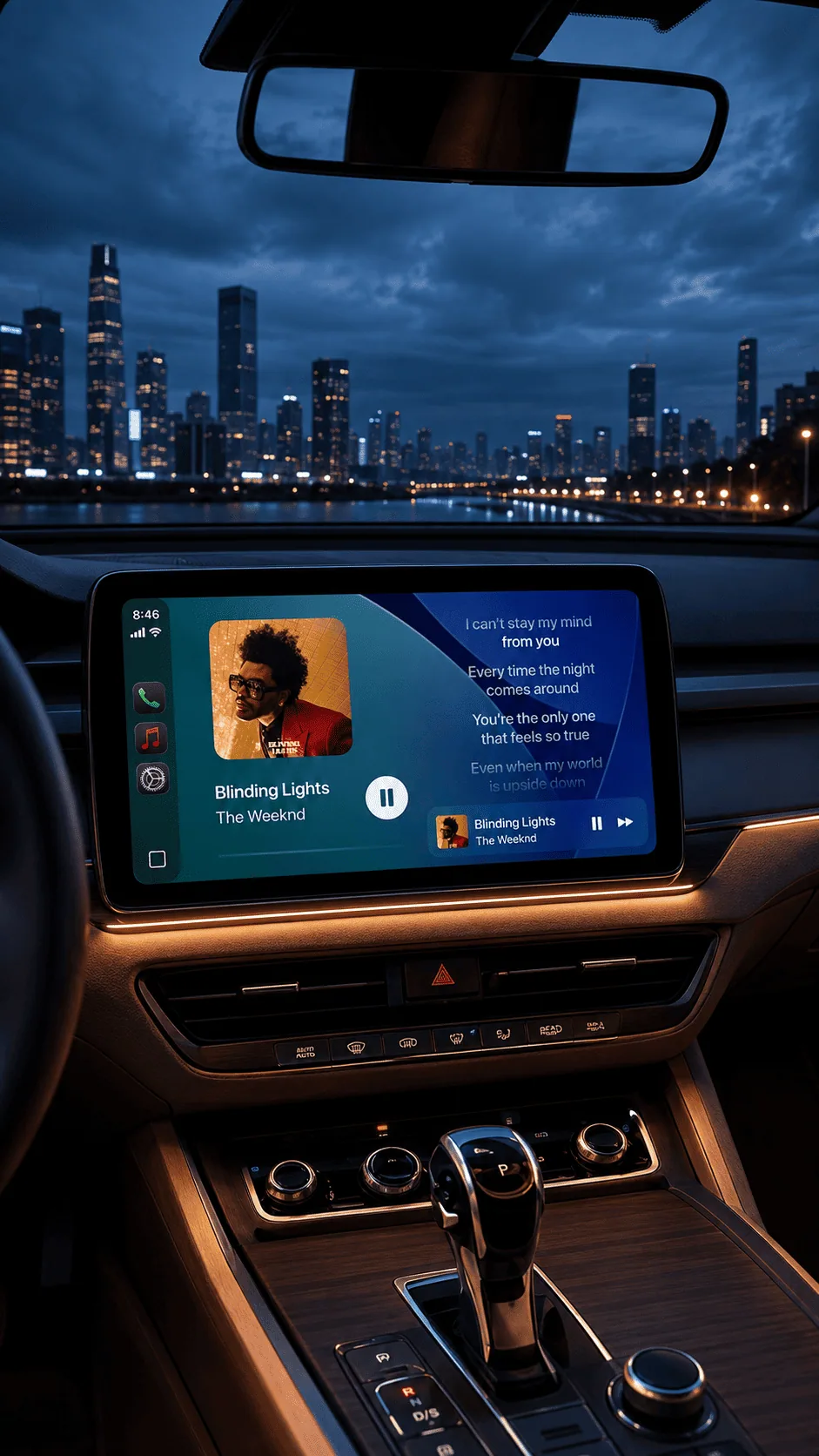
CarPlay
Lyrics
Time-coded lines on the car screen · Apple Music + Spotify
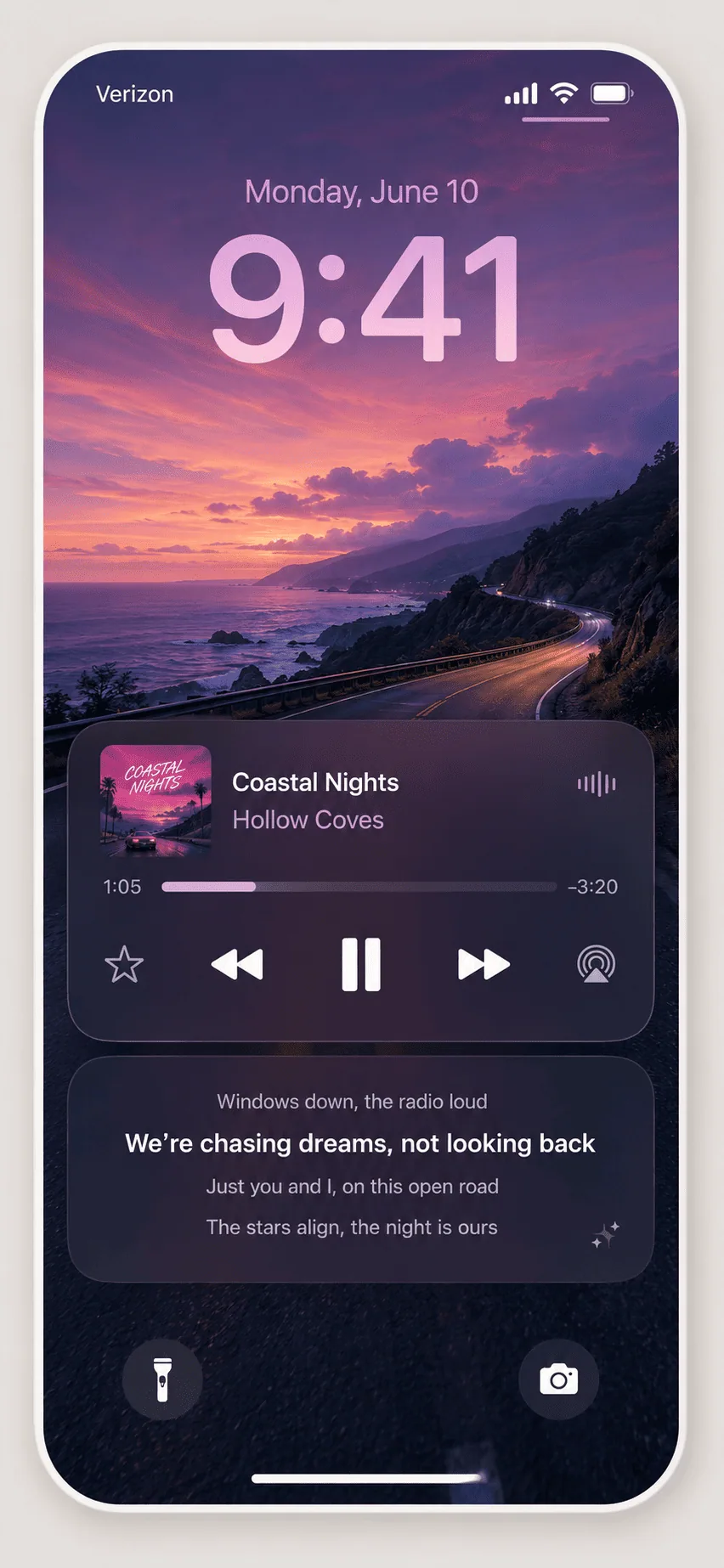
Lyrics On
Lock Screen
Live lyrics in real time, right on the lock screen
Lyrics In
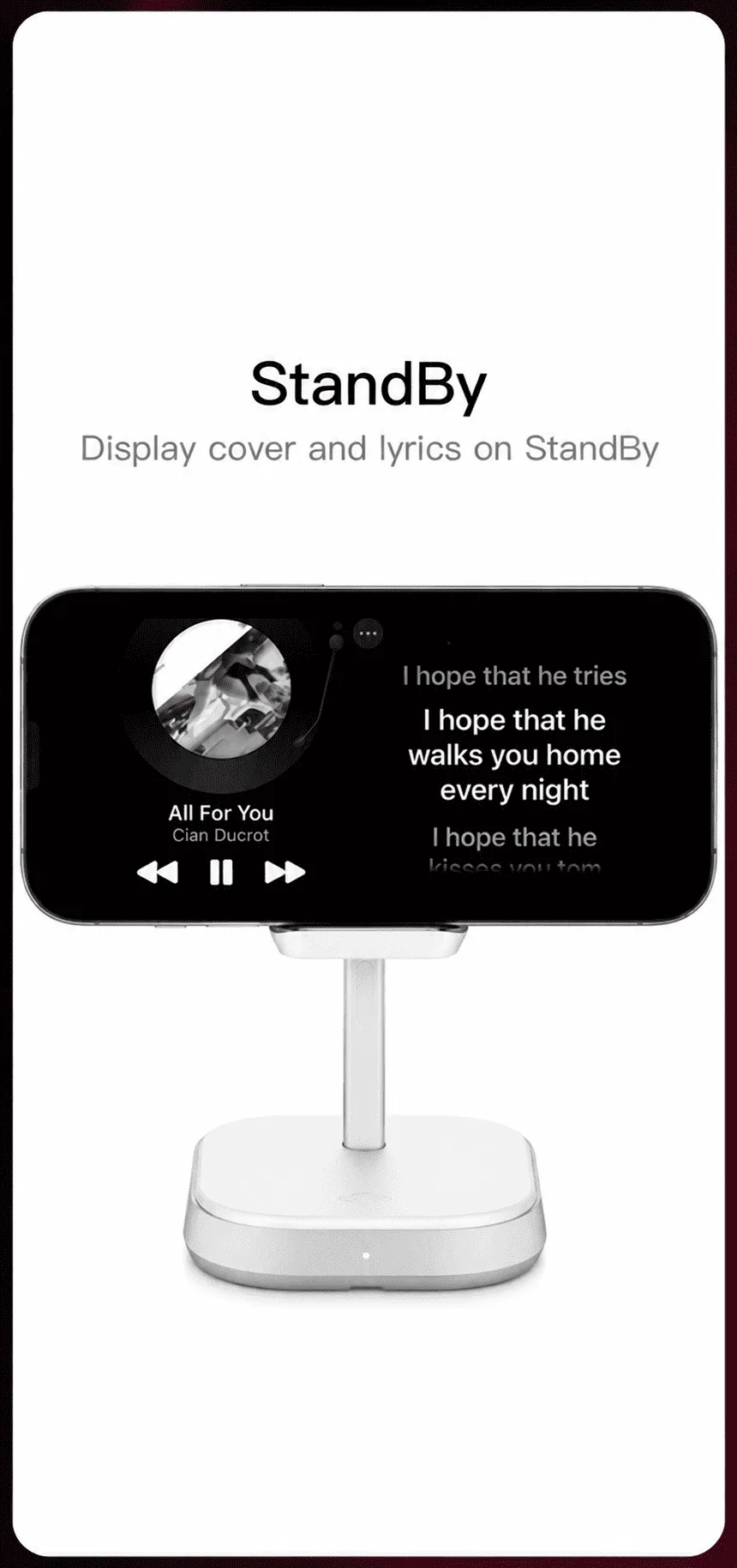
StandBy
No CarPlay needed — iPhone on a mount, landscape, charging
sources
Where the words come from.
Connect your music app once and the lines follow on their own. Not your playlist? Shazam Mode listens and catches the song for you.

Apple Music
Real-time. Lyrics follow the track you're already playing.

Spotify
Real-time, free or premium — connect it once in the app.

Shazam Mode
Radio, or someone else’s playlist — it listens, catches the song, and the lines follow.
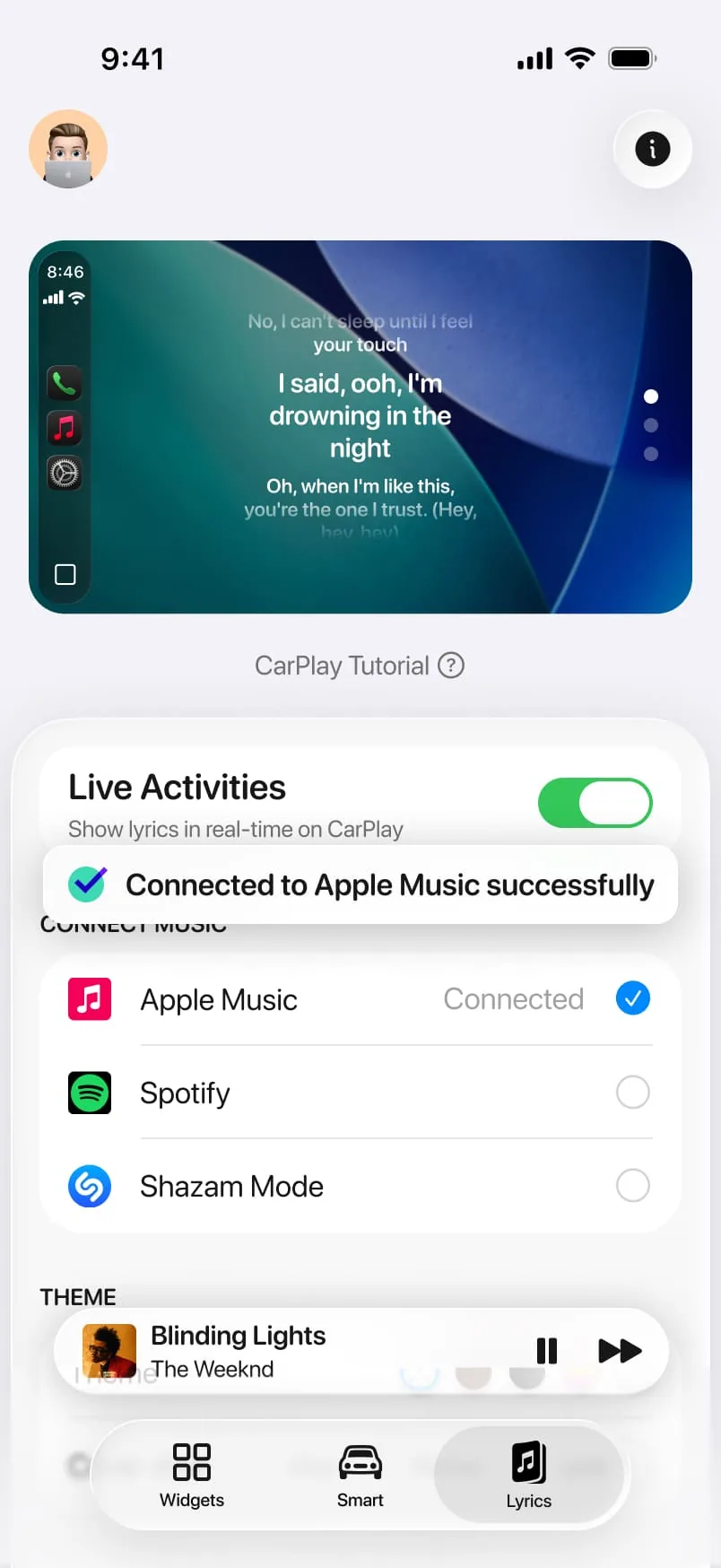
Connect once, then never think about it.
objections
Before you download
Is reading lyrics while driving safe?
One line, large type, changing by fade — you recognise it rather than read it. It sits in Apple's own CarPlay widget slot, never over your map or controls.
Do I need a paid music subscription?
Whatever you already use works — Apple Music, or Spotify free or premium. The lyrics themselves cost you nothing extra.
What if the song has no lyrics on file?
Then the widget stays quiet rather than guessing — it shows the track and artist instead of inventing lines.
Will it work in my car?
800+ car models with Apple CarPlay, on iPhone running iOS 26 or later. No CarPlay at all? The same line shows in StandBy on the phone.
what drivers say
4.04
★★★★☆
from 242 ratings on the App Store
★★★★★ · lyrics on screen
"The dynamic lyrics and custom displays look awesome on my car screen!"
RachaelMon
★★★★★ · sing-along drives
"My kids read the line off the screen and sing along the whole way to school."
marcus.ovi
★★★★☆ · spotify free
"Works on my free Spotify account, which I did not expect. Lines land right on the beat."
Th4nhLe
★★★★★ · standby mode
"My car has no CarPlay so I use it in StandBy on a mount. Same thing, works great."
desertdriver_az
Lyrics questions
Any song with timed lyrics available — most major languages are covered.
Yes, there’s a filter that masks explicit words in the line on screen.
No. Lyrics need a song with timed lyrics on file; spoken audio shows the title instead.
On screens with two widget slots, yes — lyrics in one, your photo in the other.
You already know the words. Next chorus, so does the screen.
Free to download
CarPlay car — or lyrics in StandBy without one
 CARFACE
Widgets, connection sounds and real-time lyrics for the CarPlay screen you already look at every day.
Browse