Every plug-in · every chorus · every glance down
CarPlay widgets, real lyrics, and a sound that's yours.
A sound when you plug in your phone. Real lyrics when the song hits its chorus. A screen with your own photos when you glance down.

RequiresiPhone on iOS 26 or later
No CarPlay?Dynamic Lyrics still runs in StandBy — iPhone on a mount, landscape, charging. Widgets need CarPlay.
Free
to download
3000+
layouts
300+
connection sounds
800+
car models
the default
The screen you already look at, every day.
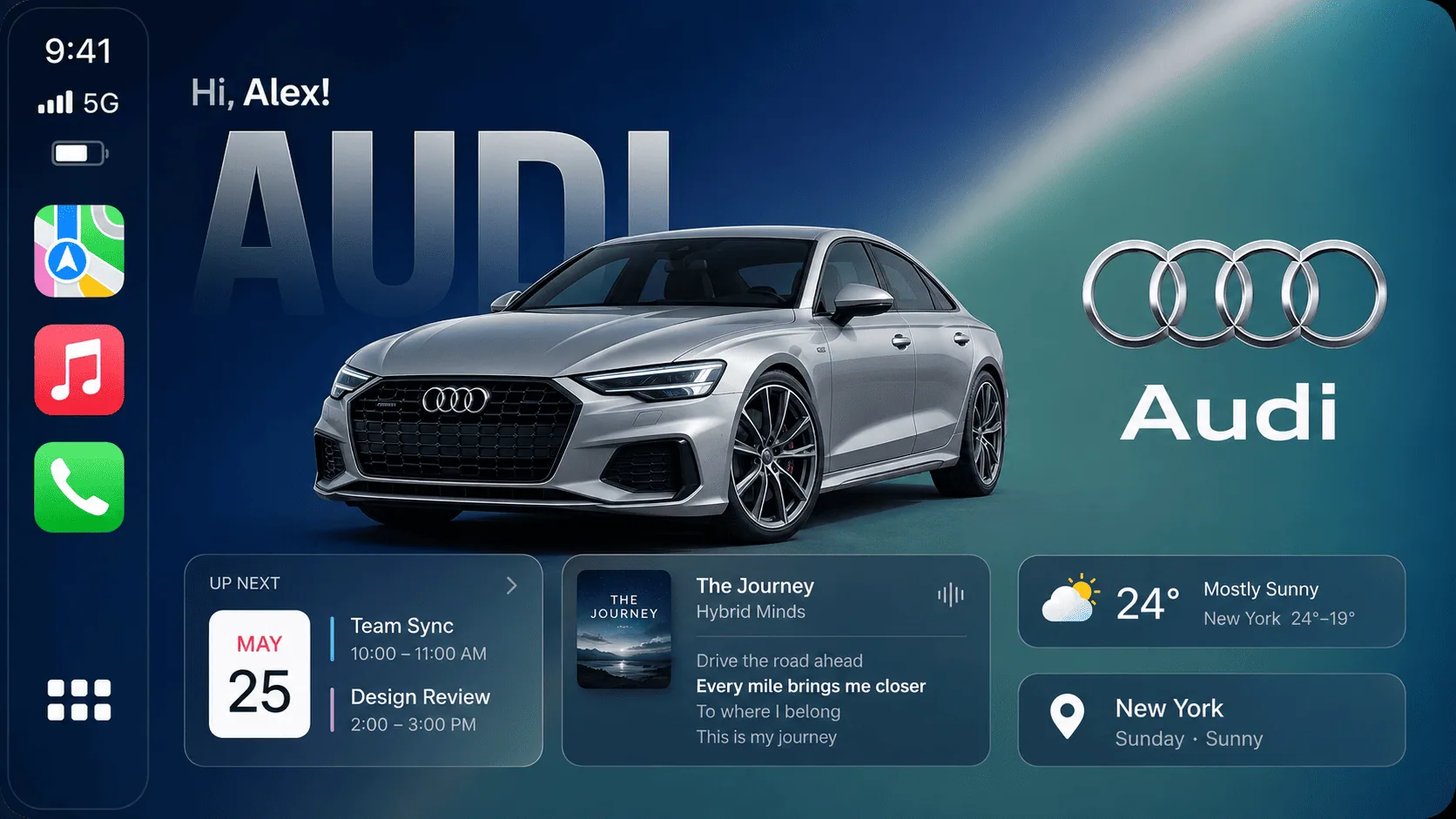
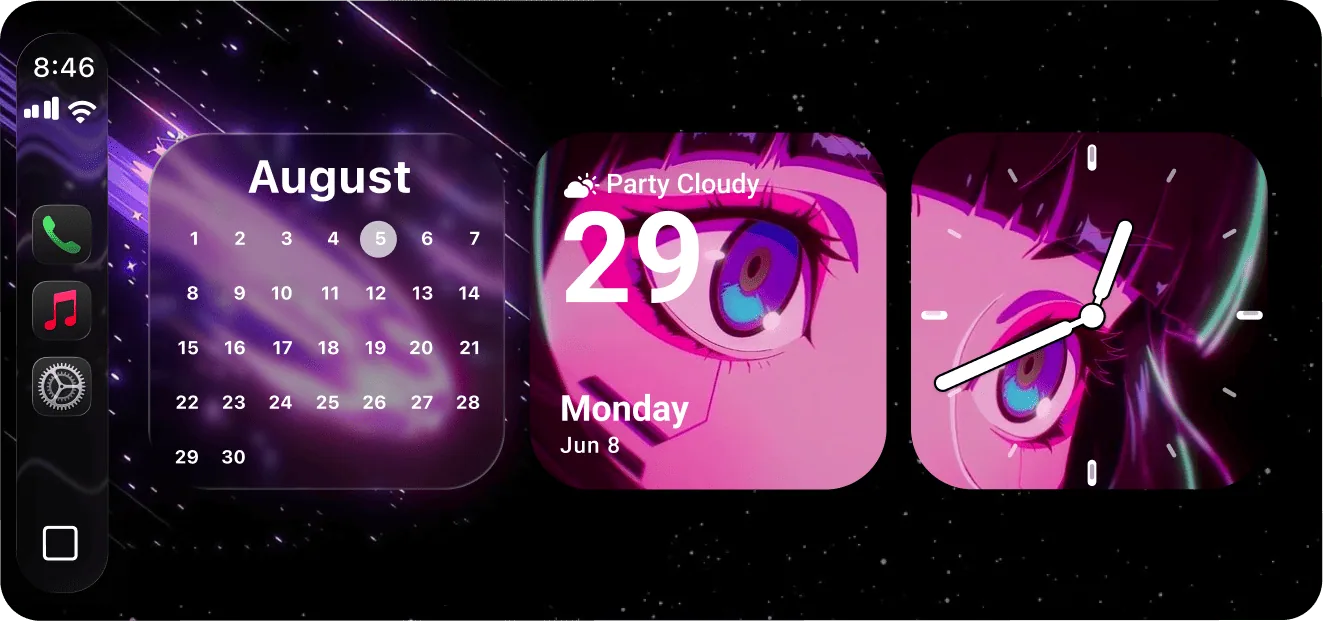
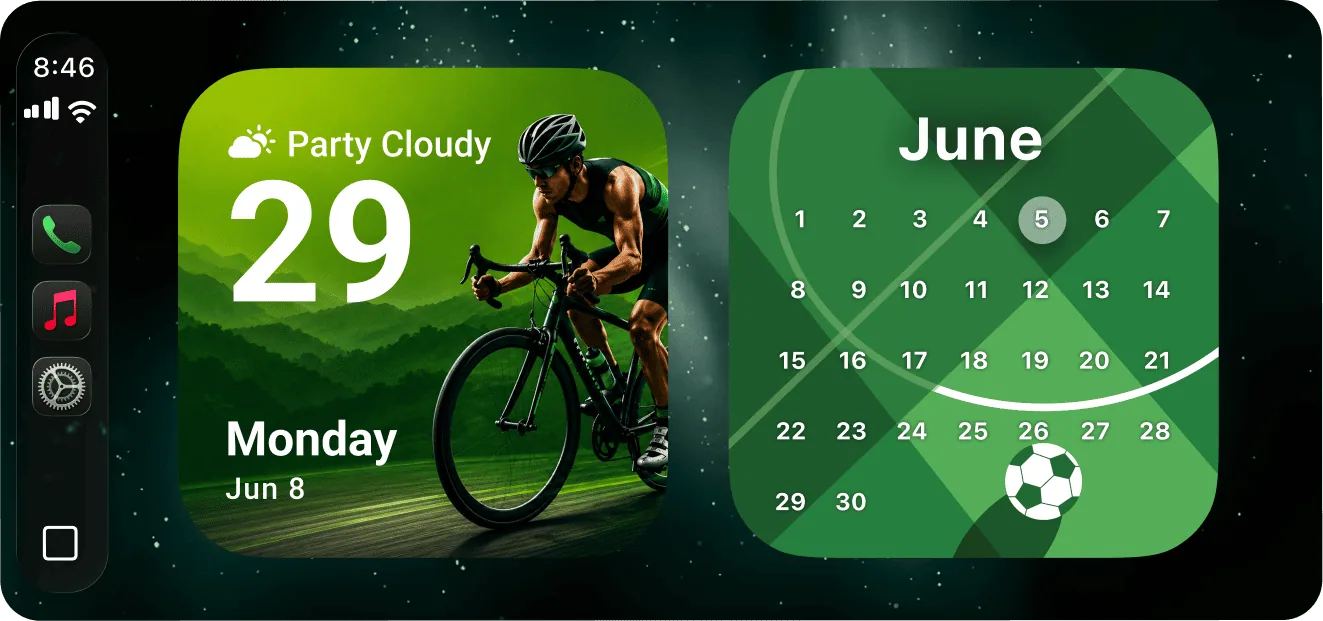
Most CarPlay screens show the same map tile every time you get in the car. With CARFACE, that same spot shows a photo you picked, a clock, or a countdown you set once.
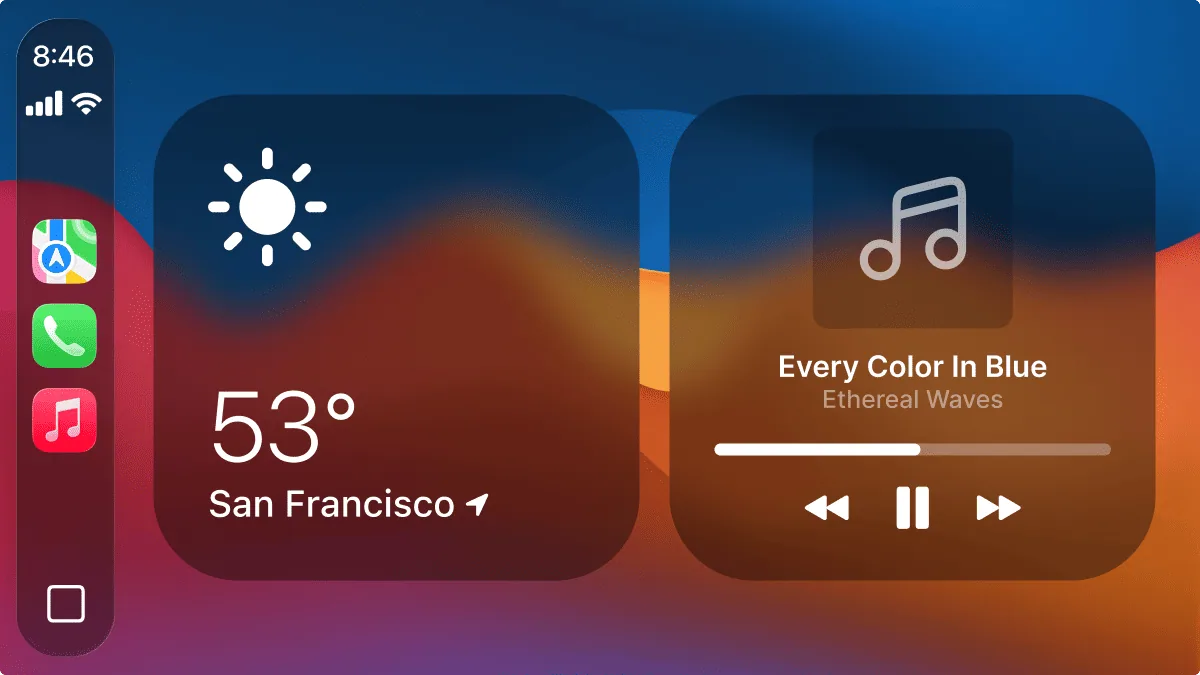 DEFAULT CARPLAY
 WITH CARFACE
widgets
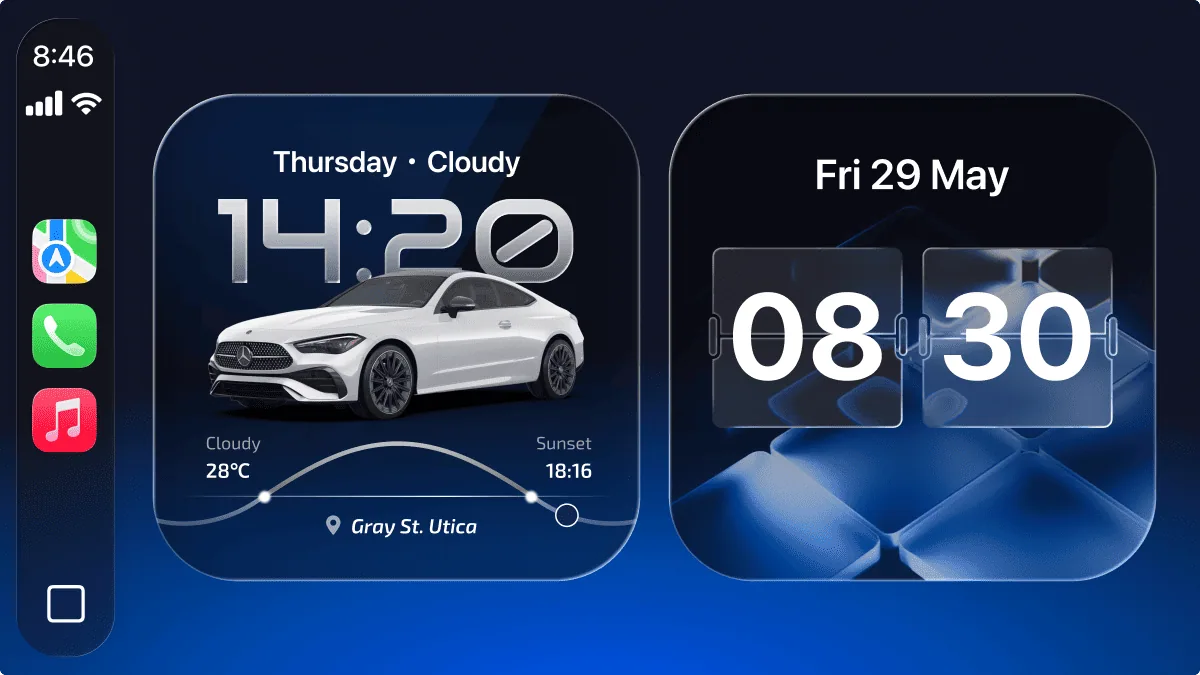
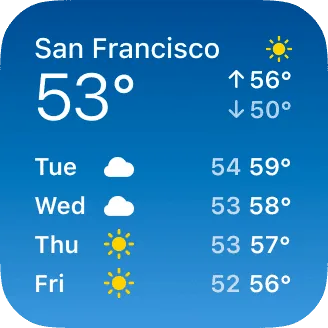
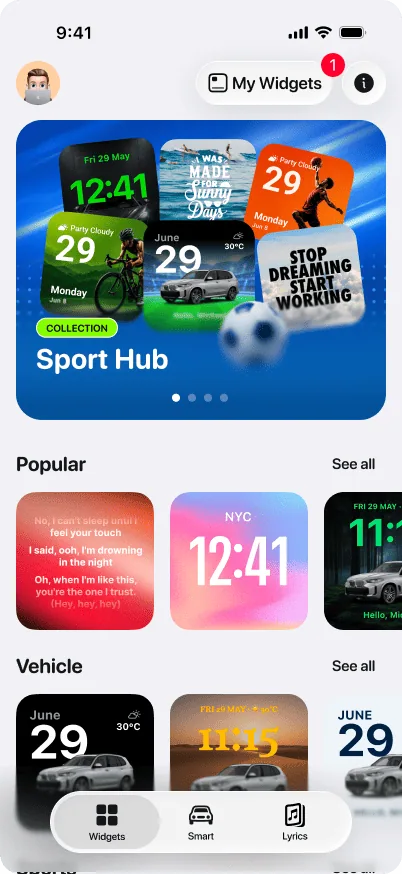
3000+ layouts for the one slot on your dashboard.
Pets, verses, cars, affirmations, seasonal — Dozens of categories deep, with new ones added every week.
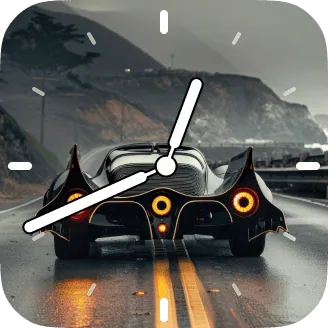
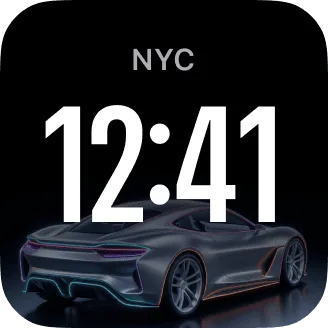
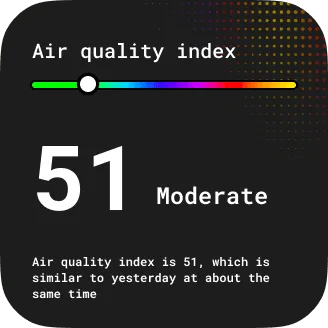
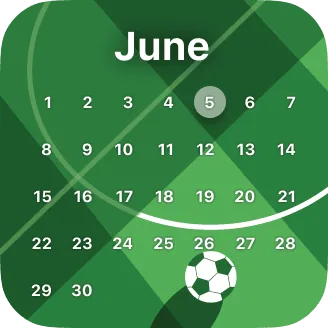
customize studio
Every part of a layout is editable.
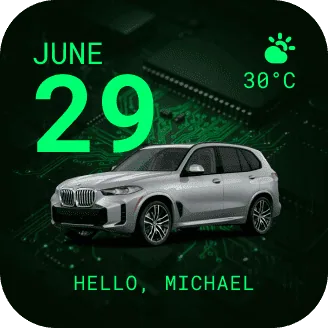
Every layout opens in Customize Studio, and every part of it comes apart. Change one thing or all of them — two people starting from the same layout rarely end up with the same screen.
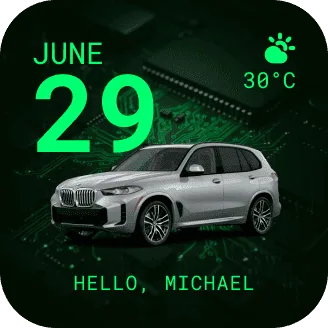
The date block
Change the format, drop it, or replace it with a countdown.
The backdrop
Your photo, a colour, or one of the built-in scenes.
Live weather
Celsius or Fahrenheit, or turn it off entirely.
The subject
Swap in your own car, your dog, anything from your library.
Your own line
Your name, a date, an inside joke — and the font it is set in.
dynamic lyrics
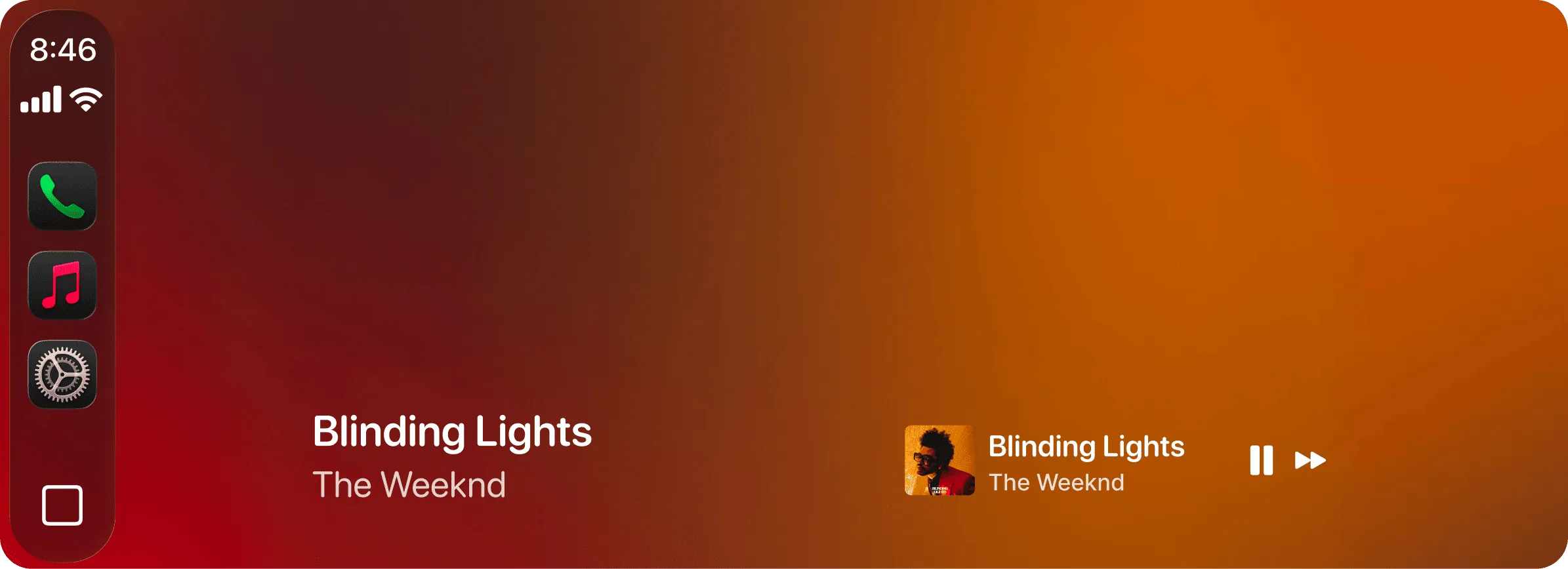
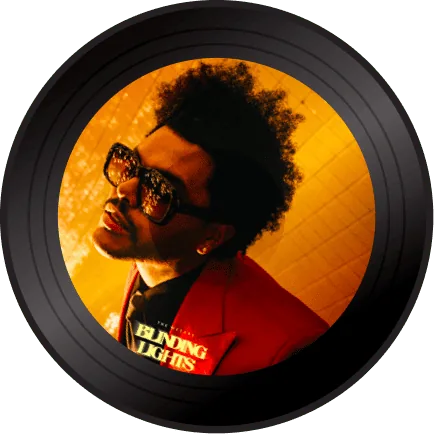

The line that just went by
The line you’re singing right now
Comes up a beat before you need it
The chorus you know by heart, right on the screen.
Real-time lyrics for Apple Music and Spotify. Don't know the song? Shazam catches it for you.
See it on an actual CarPlay screen.
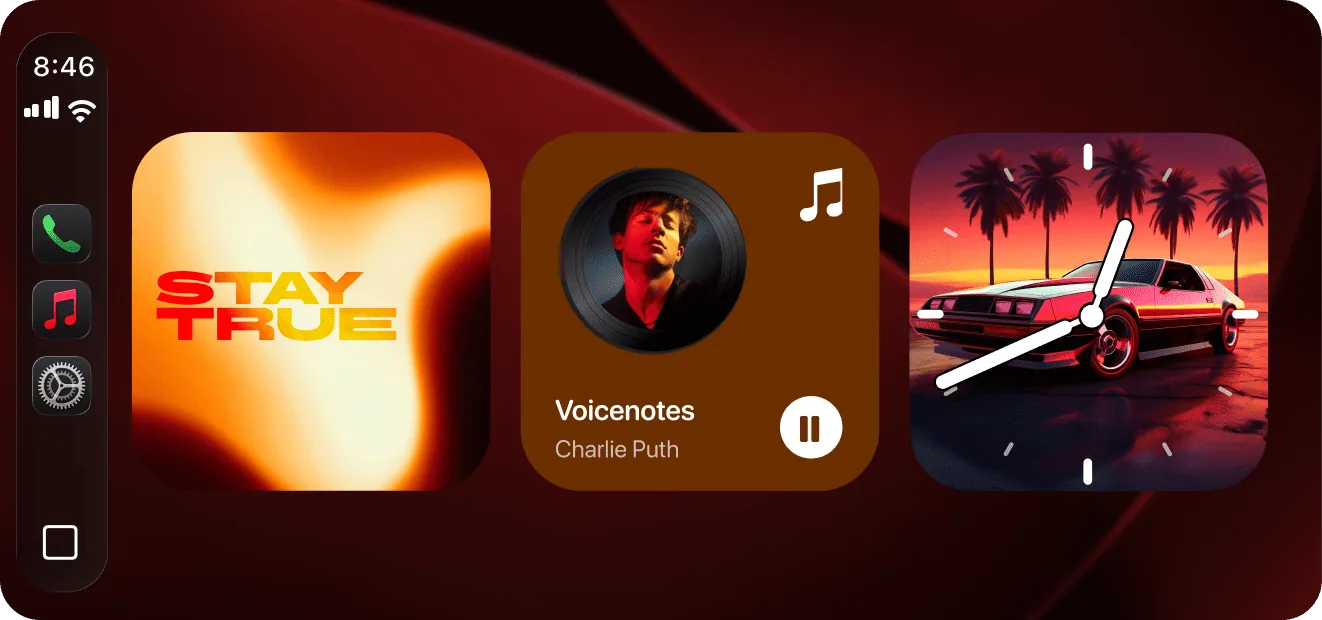
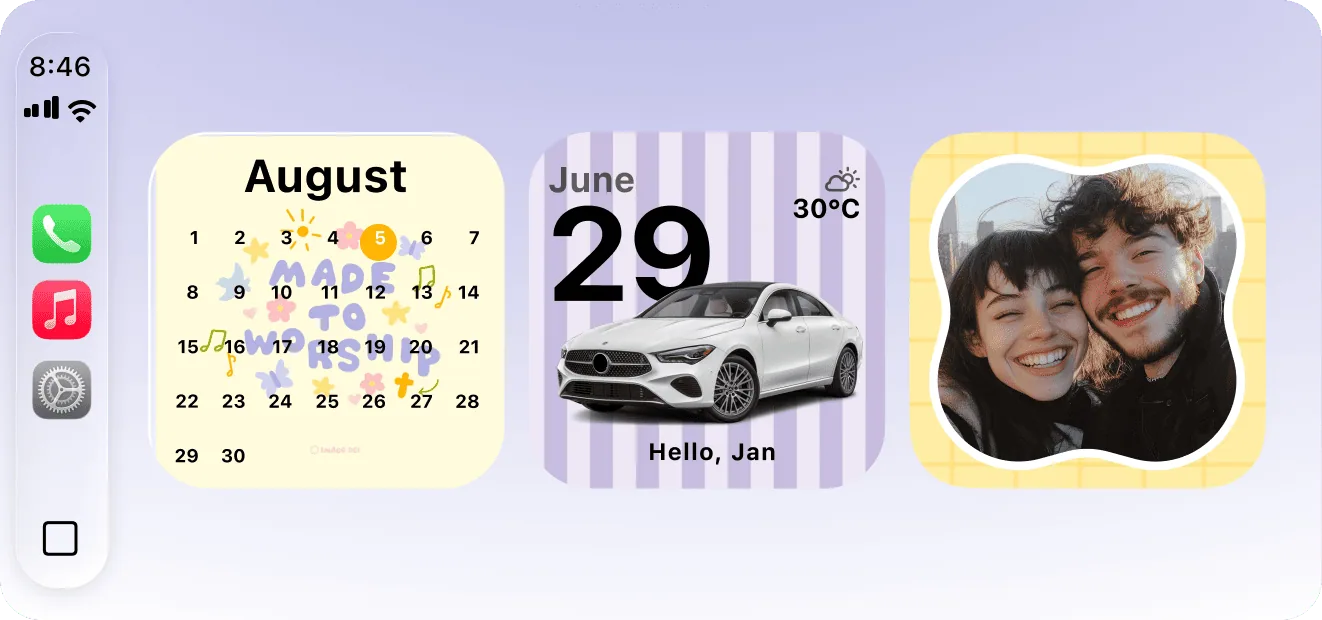
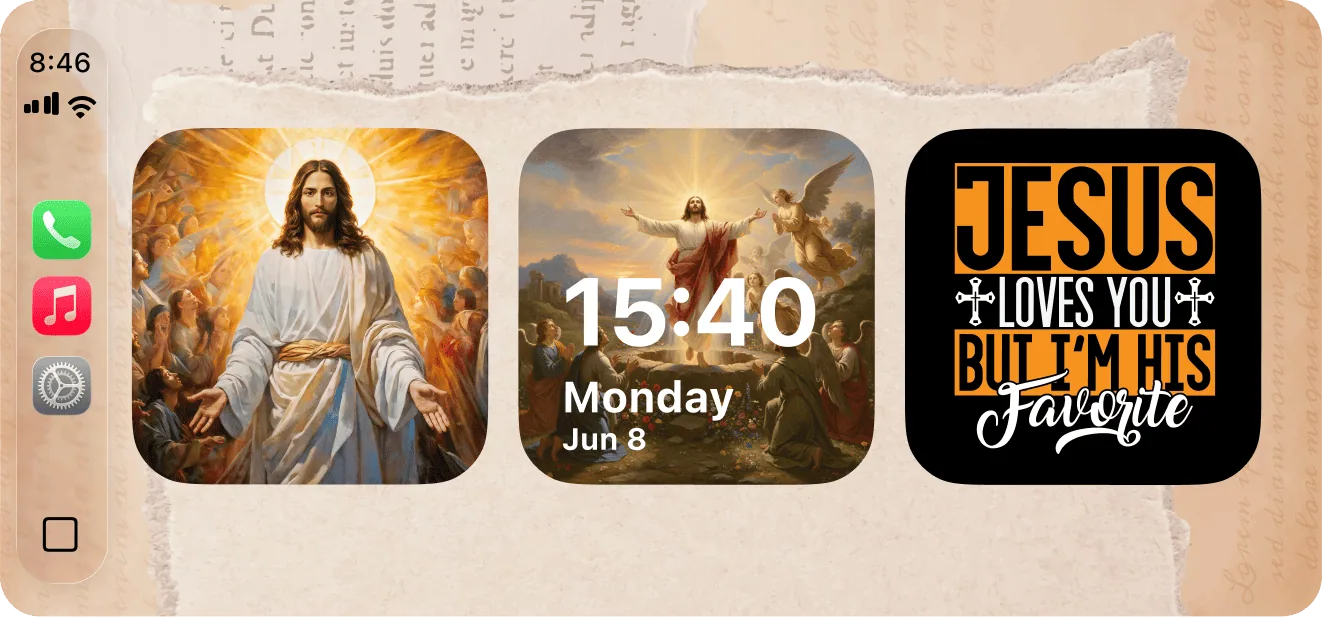
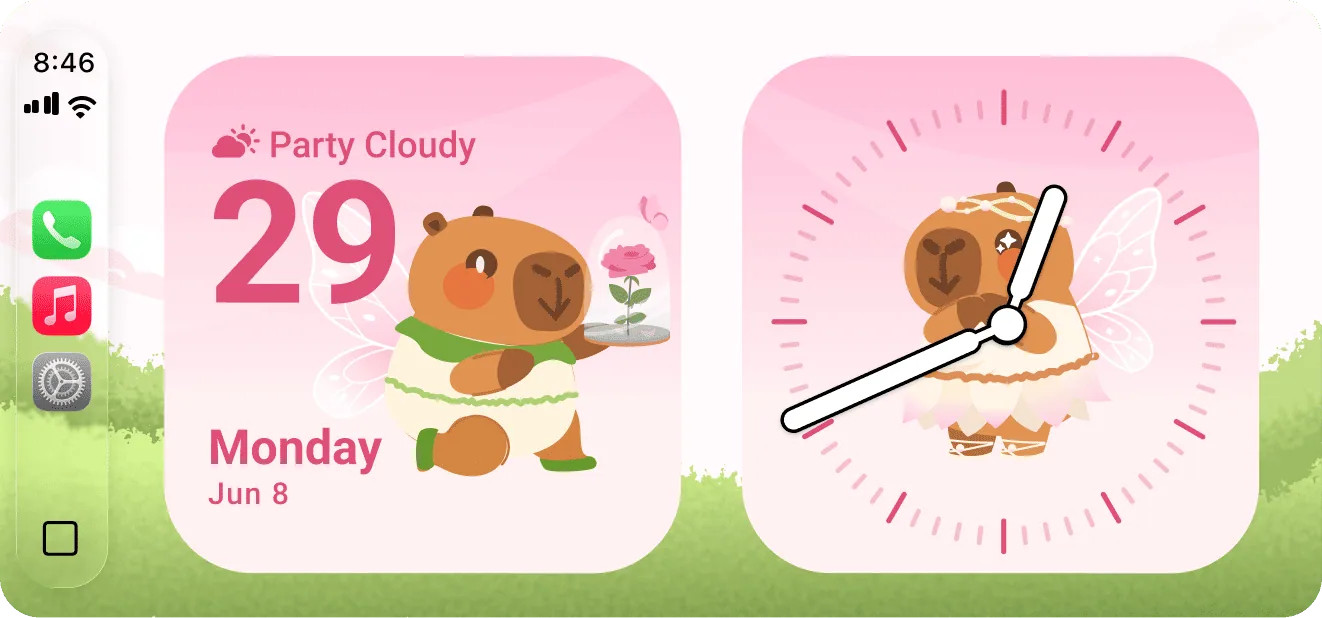
connection sounds
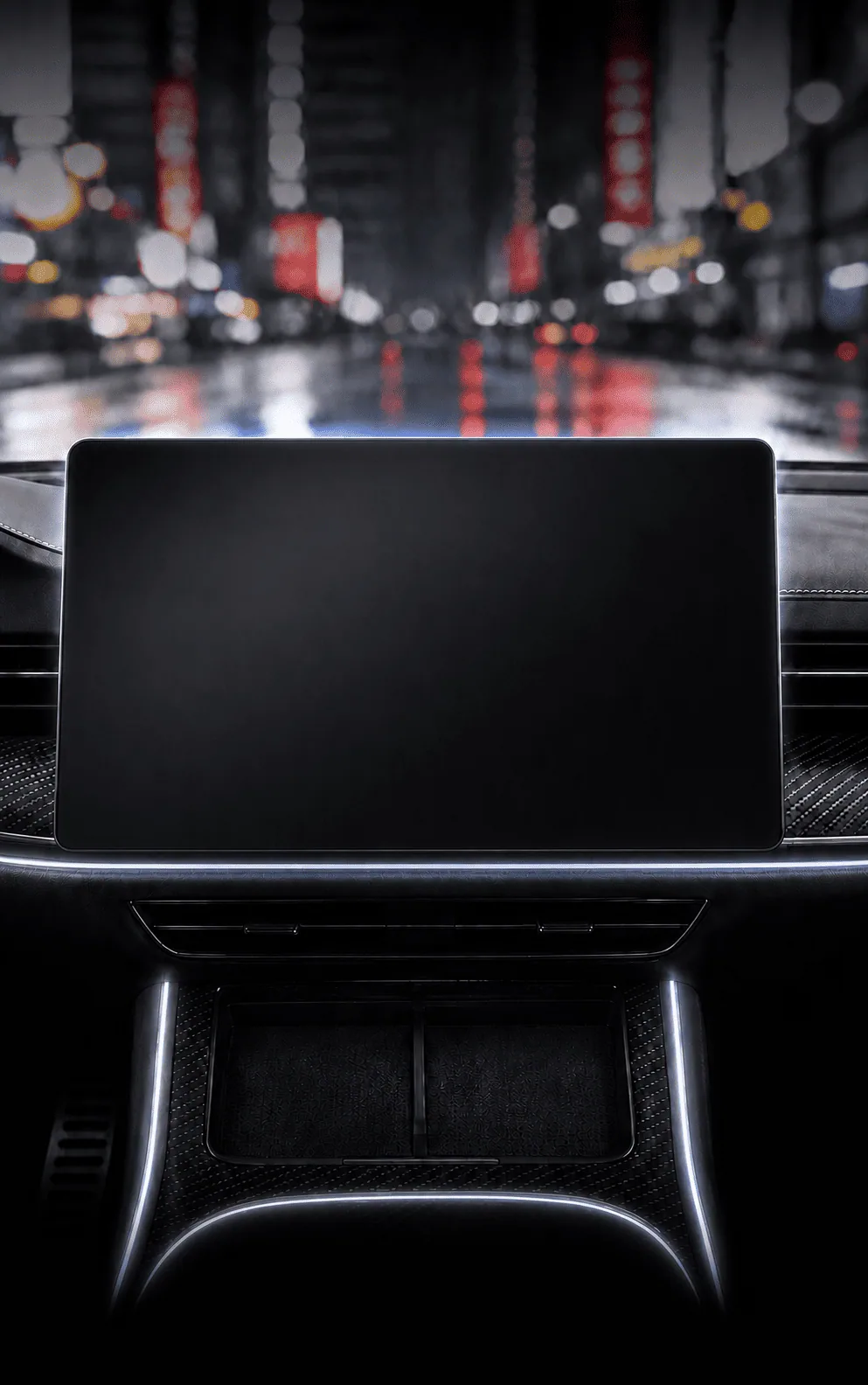
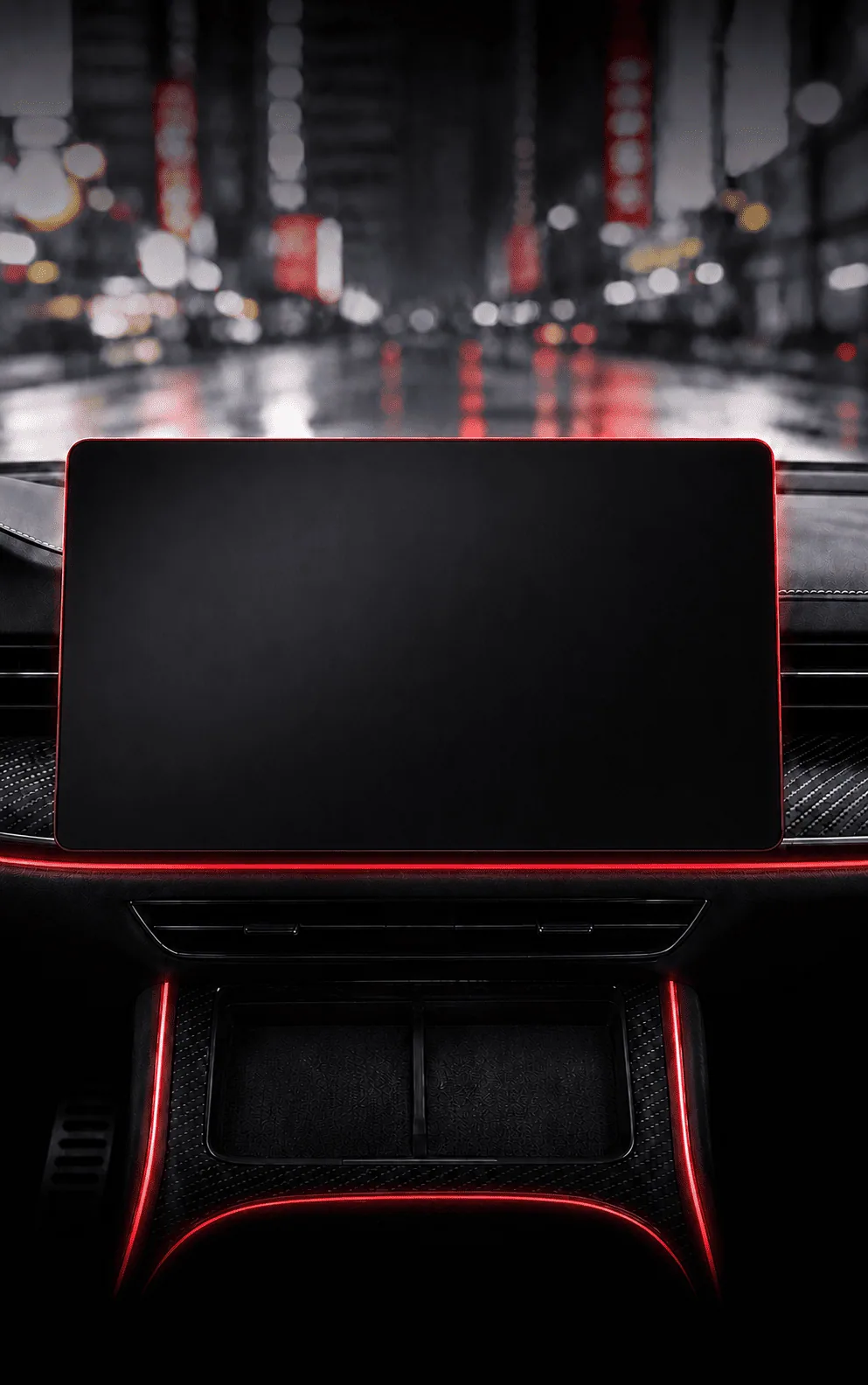
A sound when you plug in. Another when you don't.
Pick a connect sound and a disconnect sound from trending audio clips, with a quick preview before you set it.
When you plug in
0:02
When you unplug
0:05
one drive
Three moments you already have, made yours.
CARFACE doesn't add anything to your drive. It changes what happens at the three moments that were already going to happen.
A sound that isn't the default beep.
The one you picked plays as CarPlay connects, and a different one when you unplug.
The line you're singing, on the screen.
Real-time lyrics from Apple Music or Spotify. One line at a time, readable at speed.
Your widget where the map tile sat.
The photo, words and font you chose — sitting in the slot you look at most.
compatibility
Will it work in your car?
Two things decide it: your car and your iPhone. No CarPlay in the car? Dynamic Lyrics still runs — widgets are the only part that needs it.
800+
Your carcar models with Apple CarPlay, built in or through an aftermarket head unit.
iOS 26
Your iPhoneiOS 26 or later — the version that introduced CarPlay widgets.
StandBy
No CarPlay in the carDynamic Lyrics still runs in StandBy — iPhone on a mount, landscape, charging. Widgets need CarPlay.
4.04
★★★★☆
from 242 ratings on the App Store
★★★★★
"set up my bmw widget in like 2 mins no joke…"
TommyShelby15
★★★★★
"The dynamic lyrics and custom displays look awesome on my car screen!"
RachaelMon
★★★★☆
"Works great on my Genesis. Only thing is it shows Celsius and I want Fahrenheit."
Wick231
Before you download
800+ car models with Apple CarPlay — built in, or through an aftermarket head unit. If CarPlay works in your car, CARFACE works.
Widgets need CarPlay. Dynamic Lyrics does not — it runs in StandBy with the iPhone on a mount, landscape, charging.
For lyrics, yes — whichever you already use, free or paid. Widgets and connection sounds need neither.
CARFACE uses Apple’s own CarPlay widget system and the slot Apple gives it. Nothing is drawn over your map or controls, and you turn it on yourself in Settings.
They stay on your phone. A photo you add goes into the widget on your device — nothing is uploaded to us.
Yes. Pick something else in the app and the car screen follows on the next refresh.
The app is free to download and the library opens after install. No account needed.
Not right now. CARFACE is built on Apple’s CarPlay widget system, which has no Android equivalent.
You'll look at that screen tomorrow morning.
Free to download
CarPlay car — or lyrics in StandBy without one
 CARFACE
Widgets, connection sounds and real-time lyrics for the CarPlay screen you already look at every day.
Browse